You haven't signed in yet, you can have a better experience after signing in
*Please complete the payment within {{receiveCouponInfo.expire_at}}Previous use*
You haven't signed in yet, you can have a better experience after signing in



Activity Rules
1、Activity time:{{ info.groupon.start_at }} ~ {{ info.groupon.end_at }}。
1、Activity time:cease when sold out。
2、Validity period of the Group Buying:{{ info.groupon.expire_days * 24 }} hours。
3、Number of Group Buying:{{ info.groupon.need_count }}x。
Please Pay Attention
1、Teamwork process: Join/initiate a Group Buying and make a successful payment - Within the validity period, the number of team members meets the activity requirements - Group Buying succeeded!
2、If the number of participants cannot be met within the valid period, the group will fail, and the paid amount will be refunded in the original way.
3、The number of people required and the time of the event may vary among different products. Please pay attention to the rules of the event.
DBeaver Enterprise is a comprehensive desktop database management tool designed for individual users. It provides in-depth work on SQL scripting, advanced management and visualization of data, forward engineering, and database management.
main advantages
Manage complex database environments and support over 100 data sources, including NoSQL and cloud native databases.
Ensure strong protection by supporting modern security standards and encrypted credential storage.
Easily compare and migrate architectures and data across environments using powerful built-in tools.
highlight feature
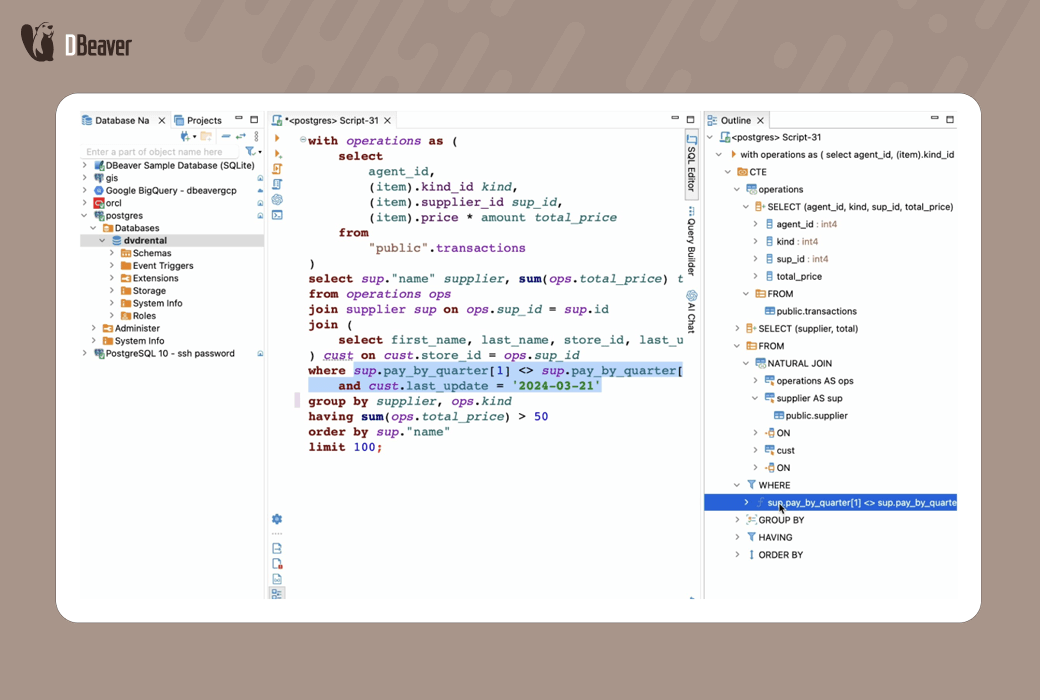
Easily write, run, and debug complex SQL scripts using advanced code completion, query templates, and formatting. Very suitable for advanced users who use query editors.
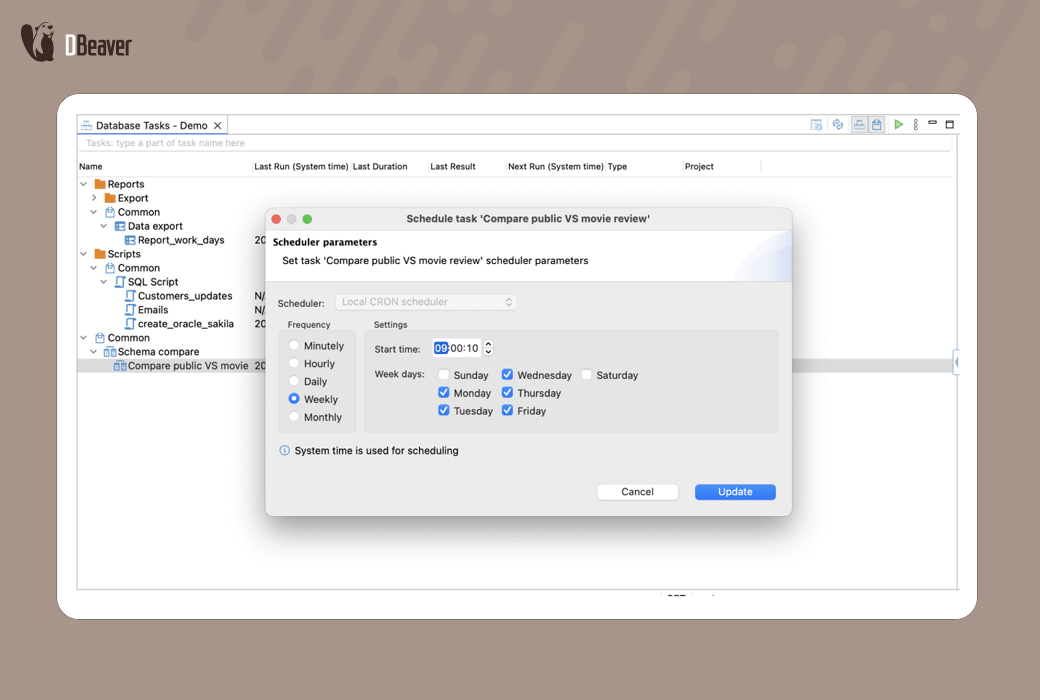
Easily arrange repetitive tasks such as exporting, importing, and script execution. Just set it up once and your data workflow will run automatically.
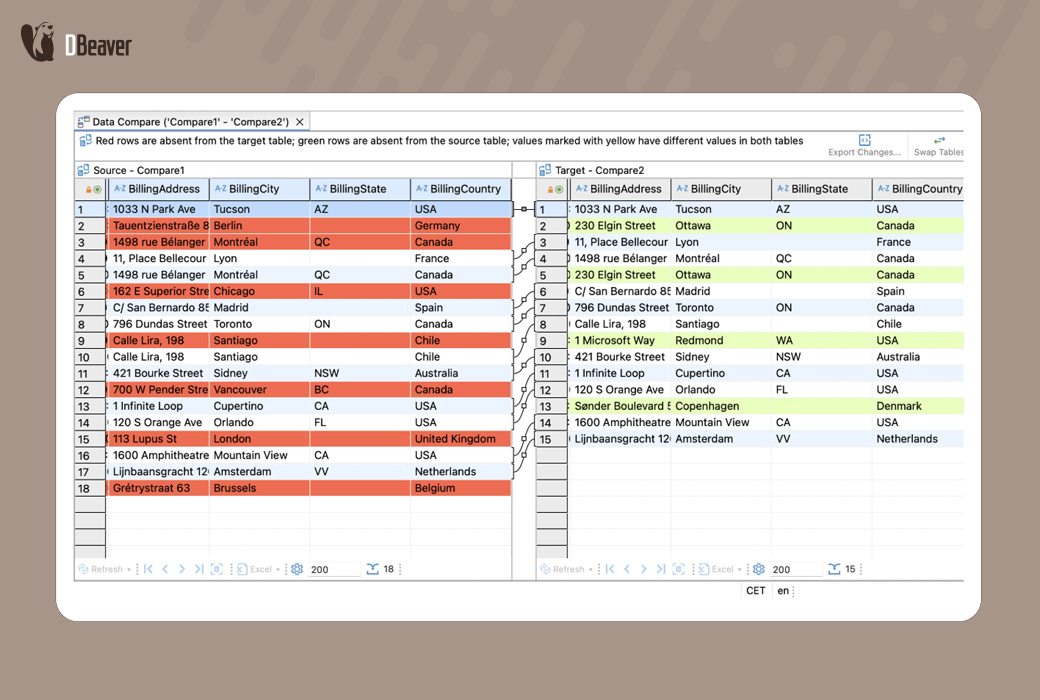
Immediately identify differences in database architecture or table data between environments. Accurately synchronize changes to keep all content consistent and up-to-date.
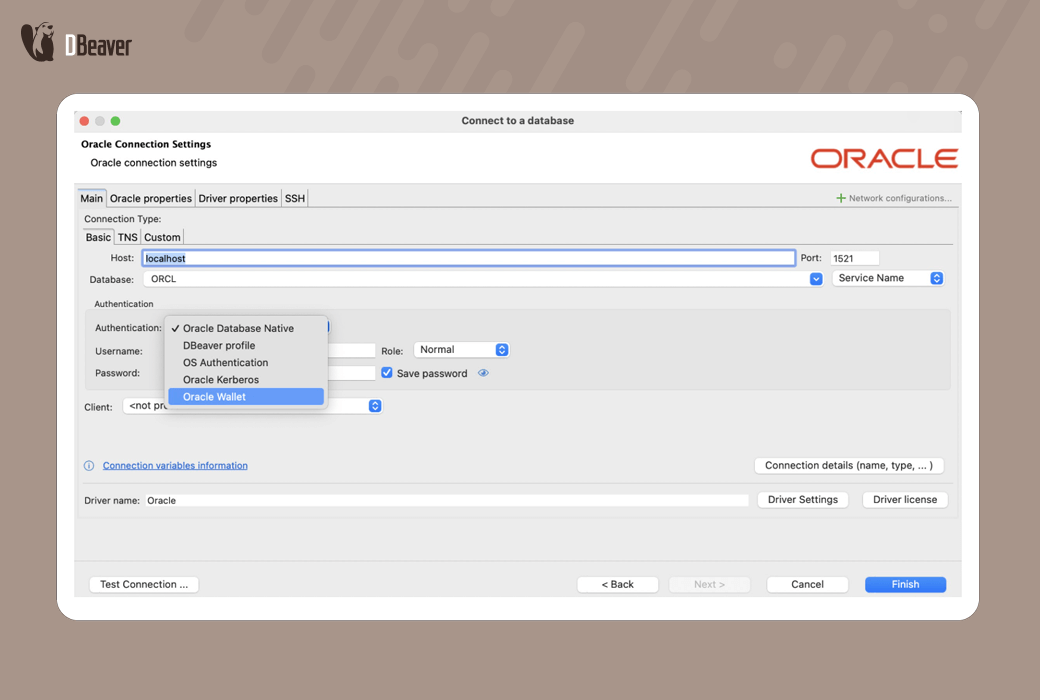
Ensure the security of your data through enterprise level security features. Connect to your database using SSO authentication, store credentials in the Secret Manager, and protect your project with a master password.
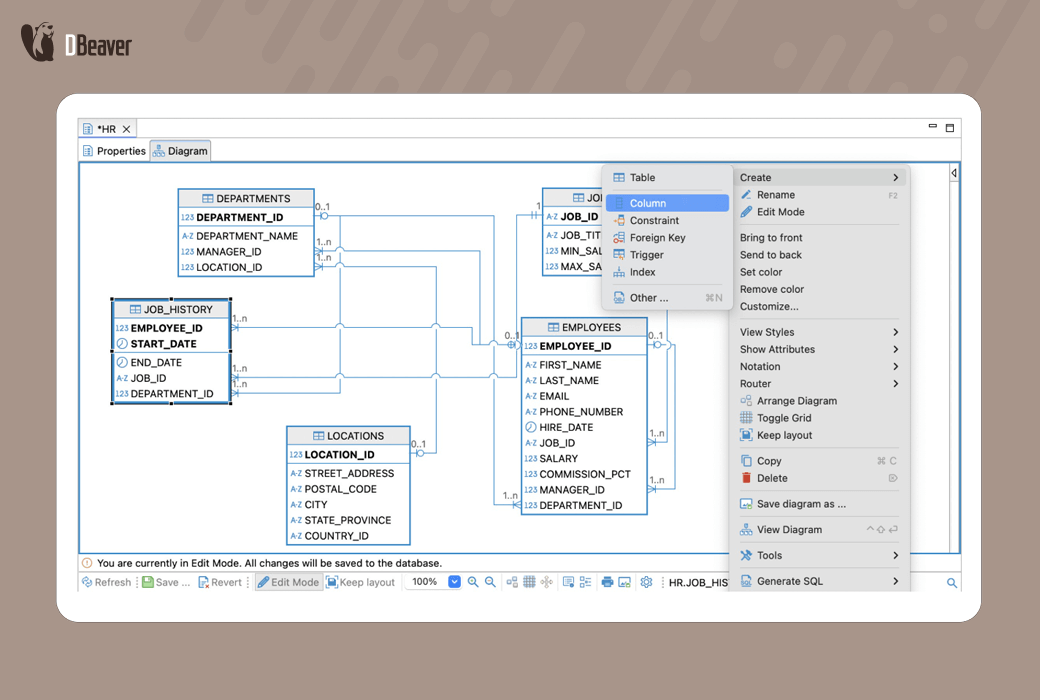
Use ERD editing mode to design, visualize, and model complex database schemas. Generate simulated data for testing consistency and querying.
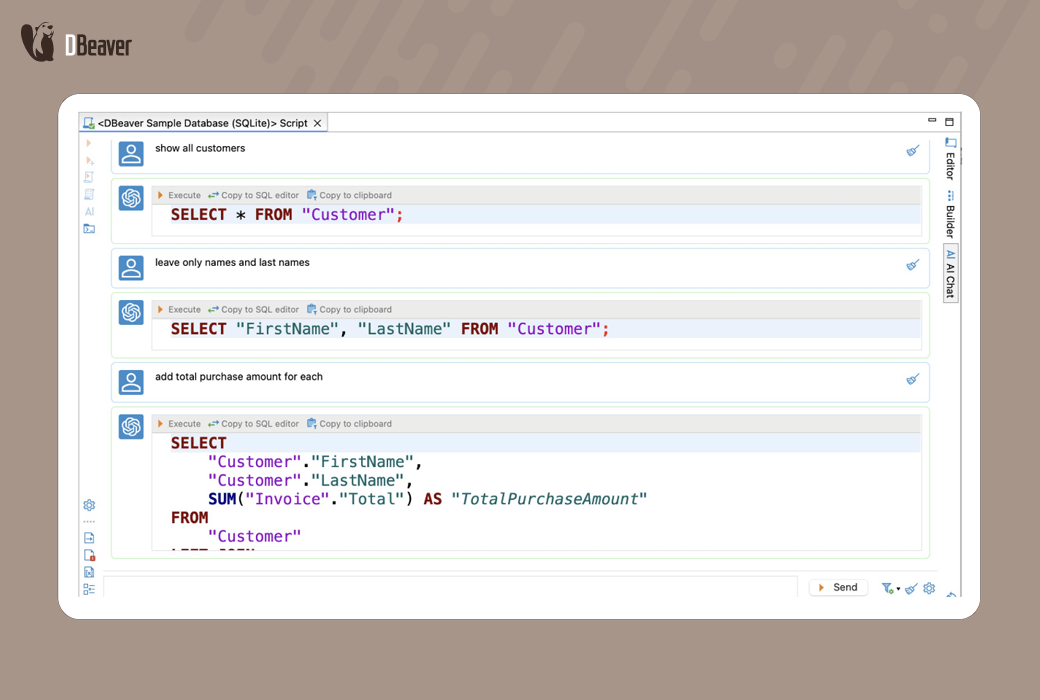
Accelerate your workflow through AI driven SQL generation. Input natural language prompts to generate ready-made queries and adjust them using AI Chat.
Who is DBeaver Enterprise suitable for?
Support and DBA
development
Senior management personnel
Official website:https://dbeaver.com/dbeaver-enterprise/
Download Center:https://dbeaver-enterprise.apsgo.cn
Data document:https://dbeaver.com/docs/dbeaver/
Delivery time:Manual online processing
Operating Platform:Windows、macOS、Linux
Interface language:Supports Chinese interface display and multiple language options.
Update Description:Use and update within the subscription validity period.
Trial before purchase:Free trial is available before purchase.
How to receive goods:After purchase, the activation information will be sent to the email address at the time of placing the order, and the corresponding product activation code can be viewed in the personal center, My Orders.
Number of devices:Can install one computer.
Replace computer:Uninstall the original computer and remove the license in the license manager before the new computer can be reactivated.
Activation guidance:To be added.
Special note:To be added.
reference material:https://dbeaver.com/docs/dbeaver/How-to-Reassign-License/

Any question